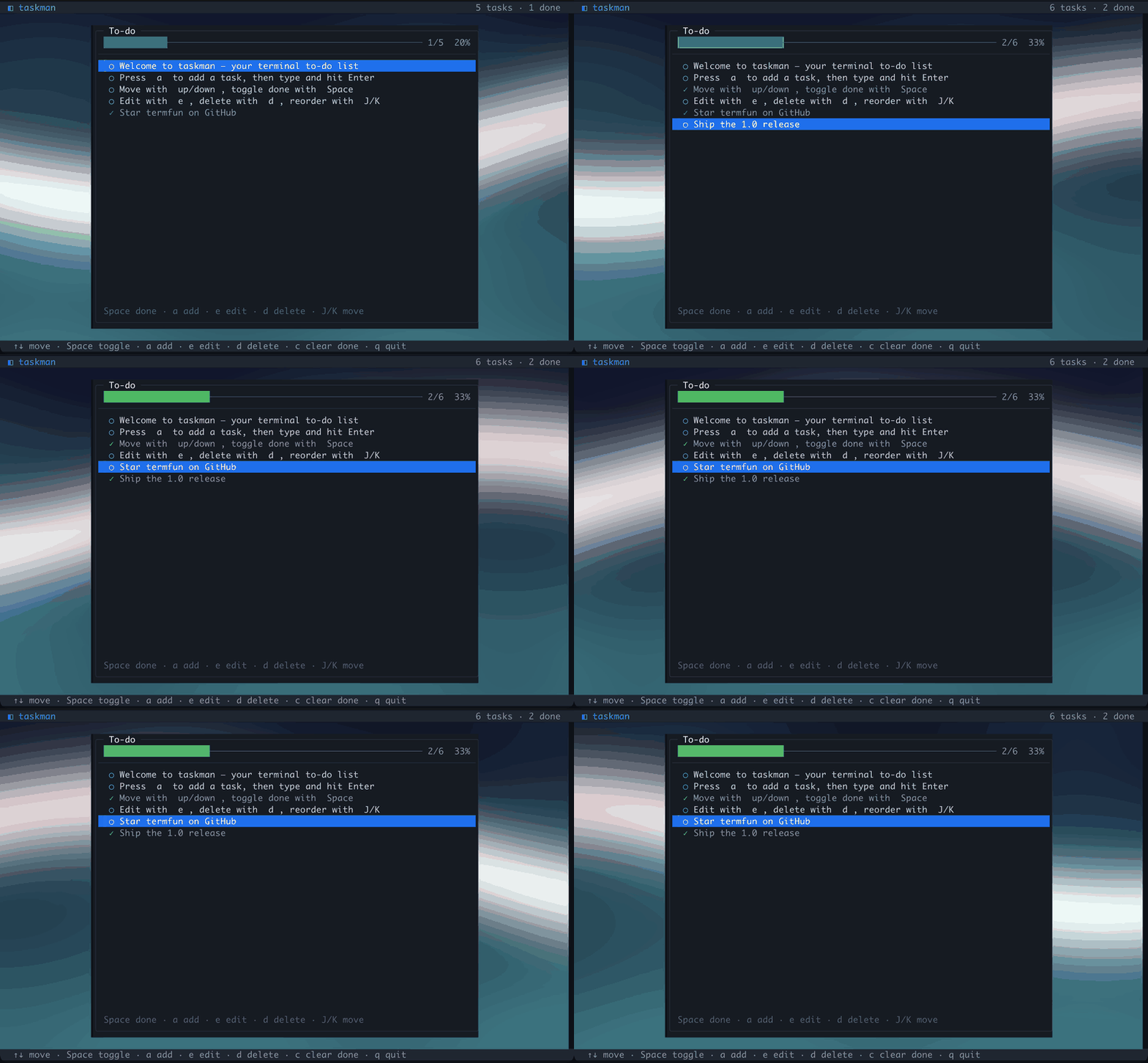
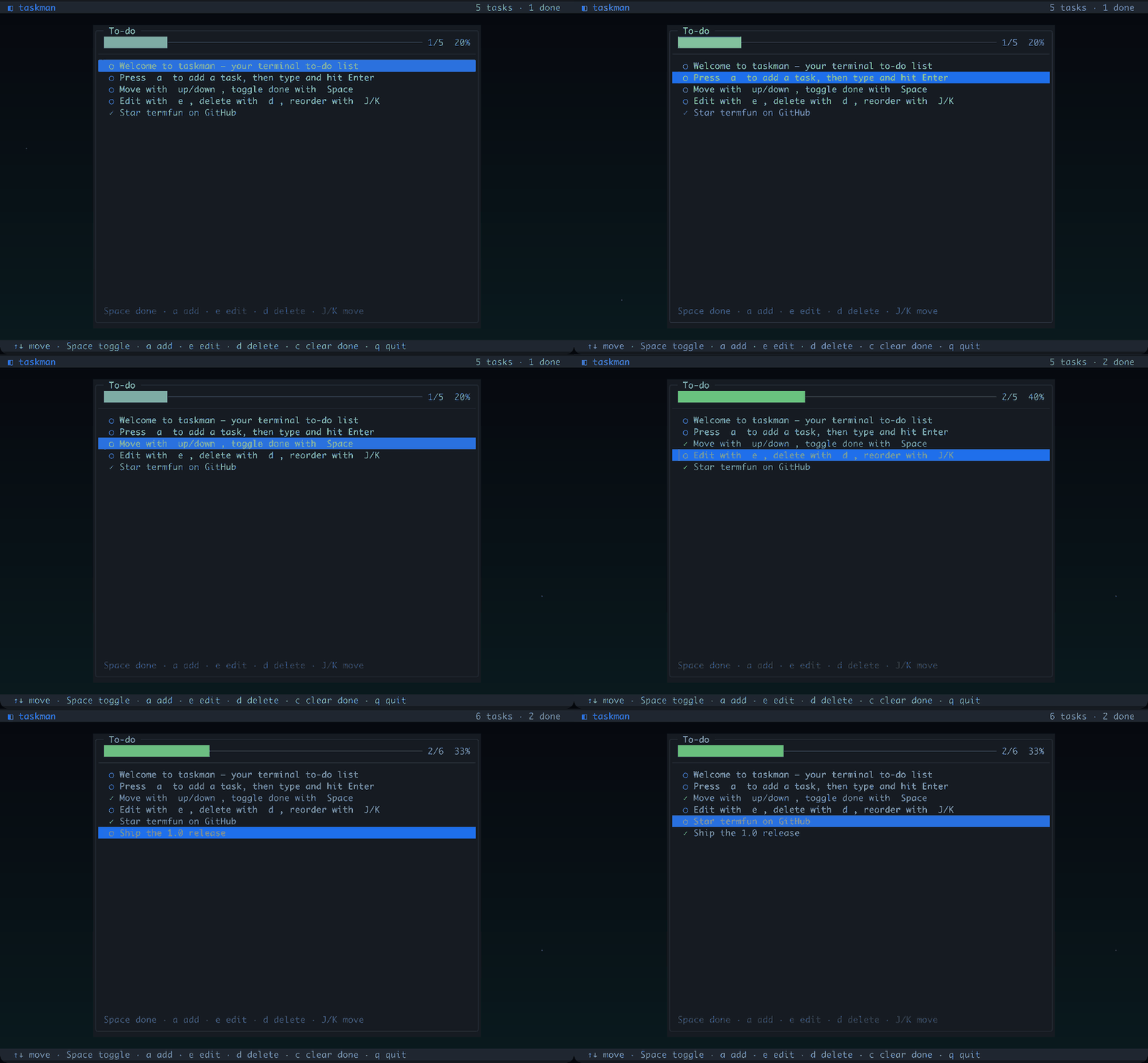
Both captures below are real iTerm2 sessions running the app — the UI is always crisp termpaint cells, and on terminals that speak the kitty graphics protocol the panels float over an animated pixel backdrop (cells everywhere else).
kitty graphics — taskman-gfx
The to-do panel floats over a slow indigo-to-teal aurora rendered into the RGBA framebuffer every frame. A per-cell cut-out mask punches the wallpaper transparent wherever the panel and bars are drawn, so the UI stays crisp text while the backdrop drifts in the margins.
taskman — kitty pixel backdrop
ASCII cells — taskman
Pure termpaint: a rounded panel with a full-row selection highlight, ○/✓ checkboxes, an inline add/edit field and a live progress bar, over a quiet dark gradient. This is also what taskman-gfx falls back to without graphics support.
taskman — ASCII cell mode
Controls
Key
Action
↑ ↓ / j k
move selection
Space / Enter
toggle done
a
add a task
e
edit
d / Del
delete
J / K
reorder
c
clear completed
g / G
top / bottom
q / Esc
quit
Tuning env vars use the TASKMAN_* prefix — e.g. TASKMAN_MAXDIM=768 for a sharper backdrop, TASKMAN_CELLS=1 to force cells. TASKMAN_FILE sets where tasks are stored (default ~/.termfun-tasks). See the overview for the full tuning table.