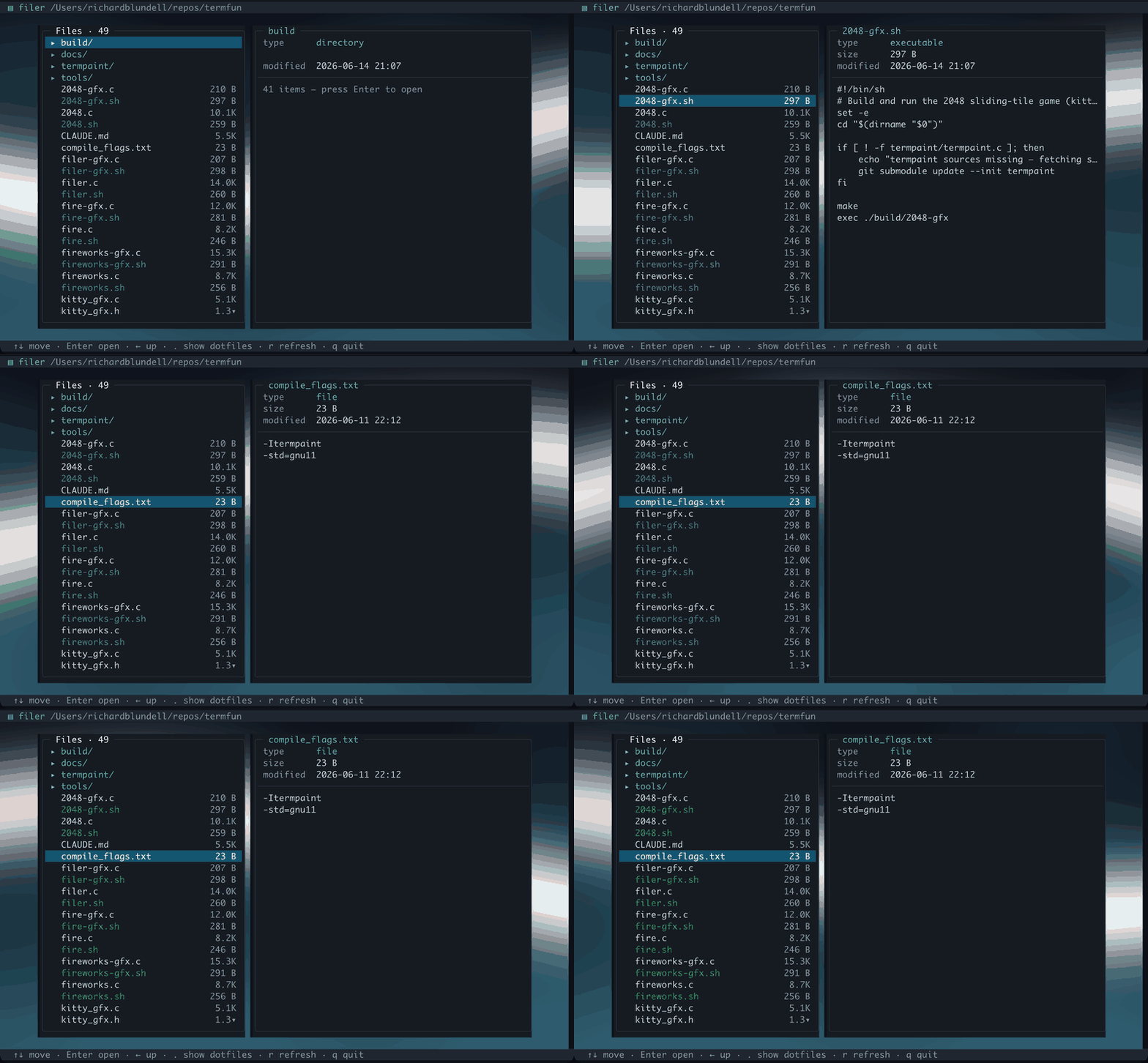
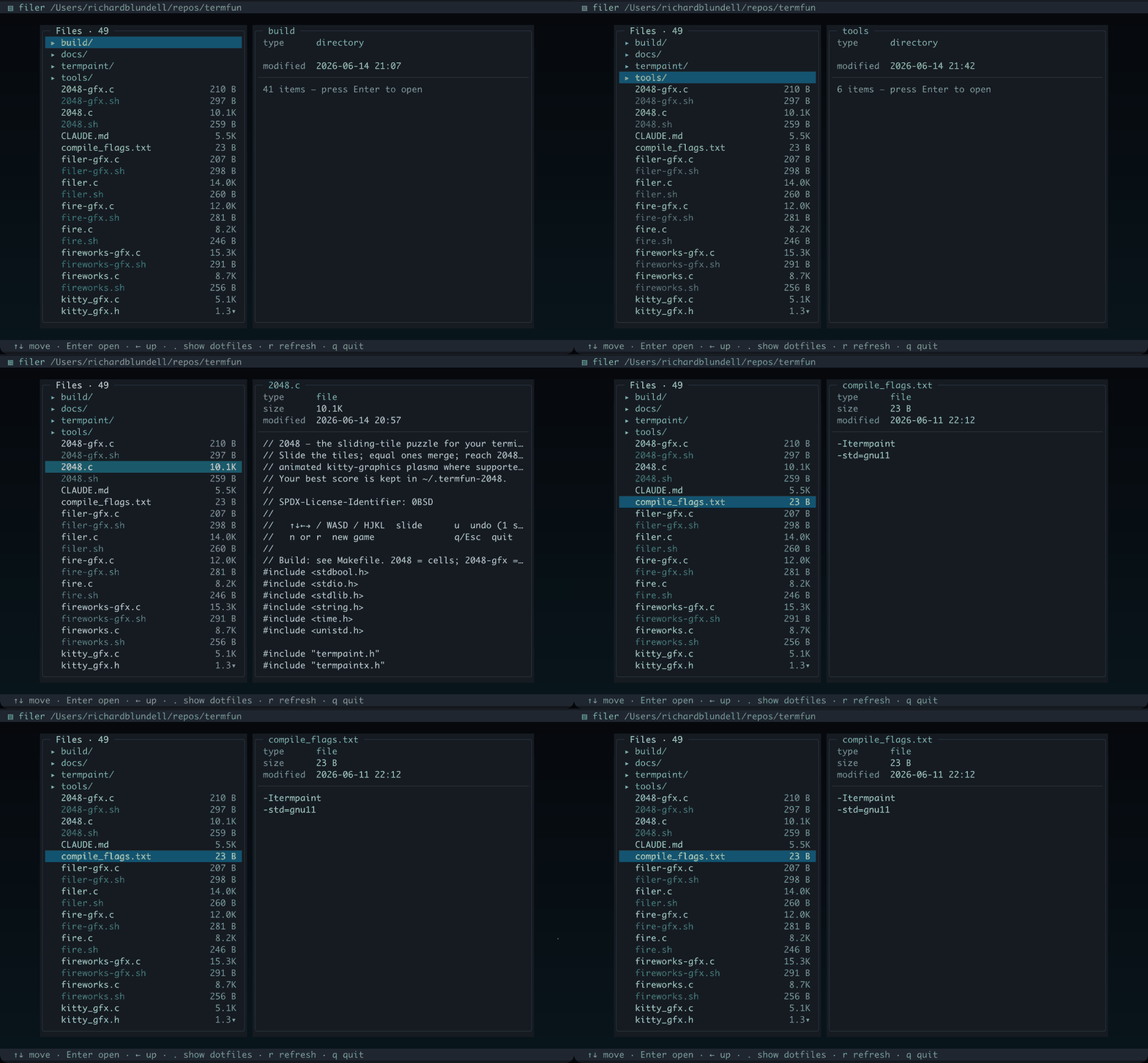
Both captures below are real iTerm2 sessions running the app — the UI is always crisp termpaint cells, and on terminals that speak the kitty graphics protocol the panels float over an animated pixel backdrop (cells everywhere else).
kitty graphics — filer-gfx
Both panes float over a slate-to-cyan aurora; the wallpaper shows in the gutter between them and around the edges, while the file list and preview stay crisp cells punched out of the image with the cut-out mask.
filer — kitty pixel backdrop
ASCII cells — filer
A directory list (directories first, with human-readable sizes) beside a preview pane that peeks into text files and shows type / size / modified time — colour-coded entries and a scroll indicator, over a quiet gradient.
filer — ASCII cell mode
Controls
Key
Action
↑ ↓ / j k
move
Enter / →
open directory
← / Backspace
up a directory
.
toggle hidden files
r
refresh
g / G
top / bottom
q / Esc
quit
Tuning env vars use the FILER_* prefix. FILER_DIR sets the directory to open on launch; FILER_CELLS=1 forces cell rendering. See the overview for the full tuning table.